Visitor engagement features, such as live chat, are essential for marketing websites to capture leads and provide support. To be effective, these tools need to work seamlessly across all pages, allowing visitors to initiate conversations from anywhere. This article outlines common methods and best practices for enabling multi-page support in visitor engagement systems.
Core Principles of Multi-Page Support
Visitor engagement tools typically work by embedding a snippet of code or a plugin into your website. When this code is placed in the common header or footer of every page, the engagement widget appears consistently, letting visitors start a chat from any page. This ensures that the chat window persists as visitors navigate, and conversation history remains intact.
Unified Reception and Page Recognition
In a multi-page setup, the system usually needs to identify which page a visitor is currently viewing. This helps your support team understand the visitor's context. Most systems automatically capture the page URL or title and display it in the agent dashboard. For example, if a visitor moves from a product page to a contact page, the agent can see this journey and better anticipate their needs.
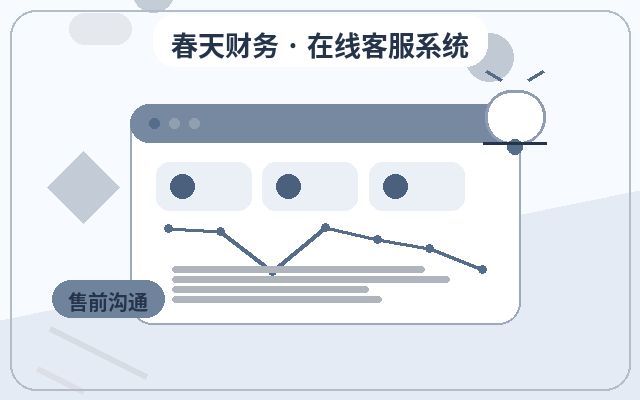
Some systems allow you to customize page names or set up groups, enabling tailored responses for different sections. For instance, you might set a specific greeting on product pages and a more direct call-to-action on the contact page.
Common Implementation Methods
- Global Code Embedding: Add the engagement code to your site's common header or footer template, and it will apply to all pages automatically.
- Centralized Configuration: Use the admin panel of your customer service system to set the widget's style, greetings, and navigation groups, which then sync across all pages.
- Page-Level Personalization: For key pages, you can set unique engagement rules, such as different greetings, agent groups, or trigger conditions.
- Mobile Responsiveness: Ensure the engagement code renders correctly on mobile devices to accommodate on-the-go visitors.
Key Considerations for Multi-Page Engagement
- Code Efficiency: Keep the engagement code lightweight to avoid slowing down page load times.
- Compatibility: Test across different browsers and devices to ensure the widget displays and functions correctly.
- Conversation Continuity: The chat window should remain open and preserve message history as visitors navigate between pages.
- Privacy and Permissions: Ensure that any visitor data collected complies with privacy regulations and avoid over-collection.
Frequently Asked Questions
Q: Will the visitor engagement feature automatically appear on all pages?
It depends on how the code is placed. If it's in the common template, it will apply to all pages; if embedded page-by-page, you'll need to add it manually.
Q: Can I set different greetings for different pages?
Some systems support this by allowing you to configure greetings based on page URL or group. Check your system's documentation for specifics.
Q: Will the chat window disappear if a visitor switches from desktop to mobile?
If the engagement code is responsive, it should not disappear, but it's advisable to test this scenario.
Practical Recommendations
When configuring visitor engagement for your marketing website, start by identifying your core pages for inquiries. Deploy the engagement code uniformly and set appropriate greetings for each page's purpose. Before going live, test across different pages and devices to ensure a smooth visitor experience. For more detailed guidance on multi-page configuration, refer to your customer service system's official documentation or contact their support team.