During holidays, many corporate websites still see significant traffic, but customer service teams are often on leave or understaffed, causing visitor inquiries and messages to go unanswered. This leads to the loss of high-intent customers. Visitor message alerts are a key tool to address this pain point. Below, we explore core questions to help you understand why your website needs these alerts and how to use them to avoid missing high-intent customers during holidays.
What Are Visitor Message Alerts?
Visitor message alerts are a system that notifies customer service representatives or responsible personnel in real time via SMS, WeChat, email, or in-app pop-ups when a visitor initiates a chat, leaves a message, or triggers a predefined action on the website. This ensures no message is missed. During holidays or unattended hours, this feature is especially critical, allowing businesses to respond promptly and seize opportunities.
Which Businesses Benefit from Visitor Message Alerts?
- Small and Medium Enterprises (SMEs): With small customer service teams and difficulty scheduling during holidays, they need automated alerts to fill gaps.
- E-commerce/Retail Businesses: High inquiry volumes during holiday promotions make it easy to miss high-intent buyers.
- Service-Based Businesses: Inquiries are leads; delayed responses may drive customers to competitors.
- Companies with Multiple Websites or Business Lines: Centralize visitor message management to avoid channel gaps.
Why Do Businesses Need Visitor Message Alerts?
During holidays, website visitors often have clear intentions: browsing products, booking services, or requesting quotes. If customer service doesn't respond promptly, visitors may close the page or form a negative impression of the brand. Visitor message alerts address the following issues:
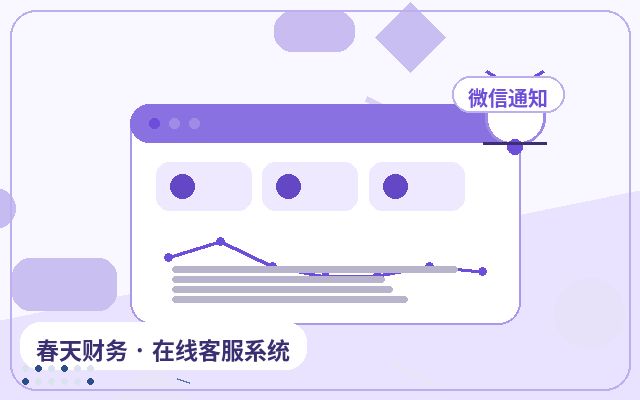
- Prevent Missed Opportunities: Even if agents are away from their desks, they receive notifications via WeChat and can reply quickly.
- Improve Response Speed: Automatic alerts reduce wait times, boosting customer satisfaction.
- Capture Leads: When visitors leave messages or submit forms, alerts ensure every lead is followed up.
Common Features of Visitor Message Alerts
| Feature Module | Description | Use Case |
|---|---|---|
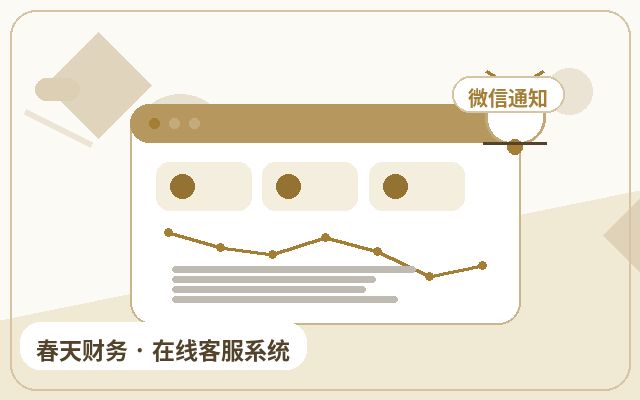
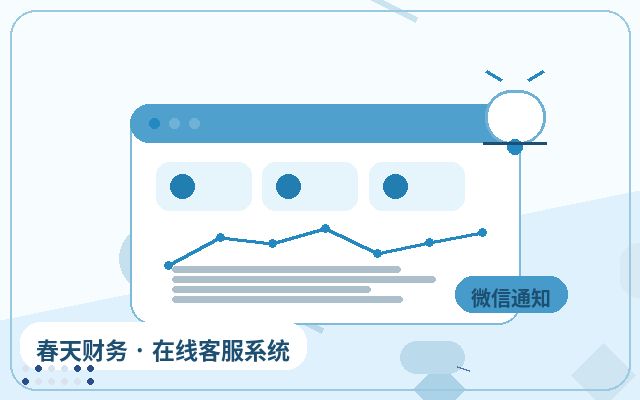
| WeChat Real-Time Notifications | When a visitor starts a conversation, the system notifies agents via WeChat Official Account or WeCom. | During unattended holiday hours, agents receive instant alerts on their phones. |
| SMS Alerts | Automatically sends an SMS to the responsible person's phone when a visitor leaves a message or submits a form. | After hours or when agents don't have WeChat access. |
| Email Notifications | Sends a summary of visitor messages to a designated email address. | When archiving or sharing information with multiple team members. |
| In-App Pop-Up/Sound Alerts | When agents are online, new messages trigger a pop-up and sound alert. | When agents handle multiple windows simultaneously to avoid missing messages. |
| Offline Message to Ticket | Visitor messages are automatically converted into tickets and assigned to responsible personnel. | During holidays or after hours, visitor messages are recorded and notified. |
| AI Auto-Reply + Alerts | AI responds to visitors first; if the issue cannot be resolved, it escalates to a human agent and sends a notification. | Improves efficiency, reduces manual workload, and ensures complex issues are not missed. |
Basic Steps to Deploy Visitor Message Alerts
- Choose a Tool: Select an online customer service system that supports multi-channel alerts. For example, the Spring Online Customer Service System offers a plan starting at $25/month with unlimited agents, AI auto-reply, lead capture, and WeChat notifications—ideal for SMEs looking for a cost-effective solution.
- Configure Alert Methods: Set up notification channels (WeChat, SMS, email) in the backend and bind recipients.
- Set Rules: Define trigger conditions based on business needs, such as new visitor entry, visitor messages, or visits to specific pages.
- Test and Launch: Simulate a holiday scenario with no agents online to test alert timeliness, then adjust and go live.
- Optimize Regularly: Based on holiday visitor data and alert effectiveness, refine trigger conditions and notification lists.
Frequently Asked Questions
Do Visitor Message Alerts Require Extra Fees?
Most basic plans of online customer service systems include message alerts, but advanced features like SMS or multi-channel sync may incur additional costs. Be sure to confirm before choosing a plan to avoid last-minute purchases during holidays. The Spring Online Customer Service System's basic plan includes WeChat and in-app alerts, with SMS available on a pay-per-use basis.
Will Holiday Visitor Message Alerts Disturb Agents' Rest?
You can set do-not-disturb periods or trigger alerts only for high-intent actions, such as when a visitor leaves a message or submits a form. This avoids notifying agents for every casual browse. Additionally, you can rotate alert recipients among on-duty agents to balance rest and business opportunities.
Are AI Auto-Reply and Message Alerts Enough for Holiday Inquiries?
AI auto-reply handles common questions, reducing manual workload, while message alerts ensure complex issues or high-intent customers are escalated to human agents. Combining both is a common holiday strategy, but we recommend pre-configuring an FAQ library and testing AI accuracy to avoid incorrect responses that could lead to customer loss.
Conclusion
Holiday website visitors represent valuable opportunities that should not be overlooked. Visitor message alerts are an effective way to avoid missing high-intent customers. By leveraging multiple channels like WeChat, SMS, and in-app pop-ups, businesses can ensure every inquiry receives a timely response. Choosing a cost-effective, feature-rich tool like the Spring Online Customer Service System and configuring alert rules properly allows you to capture potential customers and boost conversion rates even when agents are on leave. We recommend deploying and testing before the next holiday to make visitor message alerts your reliable assistant.