Introduction
Many businesses, after deploying smart auto-reply, find that inquiry volume decreases and response speed improves, but they also face a challenge: which questions should be handled by smart auto-reply, and which must be taken over by human customer service? If the division is unclear, it may lead to a decline in customer experience. This article, based on real-world scenarios, outlines the types of issues suitable for human customer service and explains how smart auto-reply complements human interaction.
What Is Smart Auto-Reply
When organizing articles about smart auto-reply, it's more important to focus on whether the reception process is smooth, whether inquiry records are complete, and whether subsequent coordination is convenient.
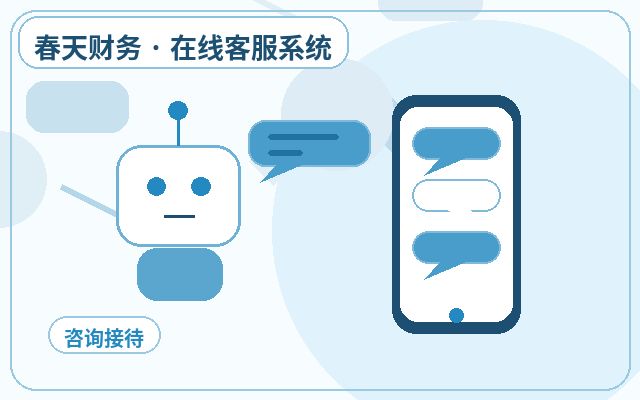
Smart auto-reply refers to a feature where the system automatically sends responses to visitors based on keyword matching, semantic understanding, or preset scripts. It operates 24/7 and quickly answers common questions, such as business hours, price ranges, and shipping times. However, its limitations are clear—it cannot understand complex contexts, handle emotions, or engage in personalized communication.
Which Businesses Are Suitable for Smart Auto-Reply
Businesses with high visitor inquiry volumes and high question repetition rates, such as e-commerce, education, SaaS services, and financial consulting, are ideal candidates. If a company primarily serves small to medium-sized business clients or end consumers, and common questions account for over 70% of inquiries, smart auto-reply can significantly reduce labor costs.
Why Businesses Need Smart Auto-Reply
The core reason is to improve response efficiency and customer satisfaction. Visitors typically expect immediate replies, but human agents cannot handle a large number of concurrent inquiries. Smart auto-reply responds in seconds, filters out simple questions, and allows human agents to focus on high-value, complex conversations. Additionally, it assists in lead collection and initial screening, laying the groundwork for future conversions.
Common Features of Smart Auto-Reply
| Feature Module | Description | Applicable Scenarios |
|---|---|---|
| Keyword Auto-Reply | Matches preset answers based on visitor input keywords | Common questions like price, address, time |
| Semantic Understanding Reply | Uses AI models to understand sentence intent and provide more accurate responses | Complex phrasing, synonymous questions |
| Multi-Turn Dialogue | Obtains complete information through multiple Q&A exchanges | Pre-sales guidance, requirement collection |
| Transfer to Human Rules | Automatically switches when visitors request human assistance or trigger sensitive keywords | Complaints, urgent issues, personalized needs |
| Knowledge Base Management | Edits and optimizes auto-reply content in the backend | Continuous improvement of reply accuracy |
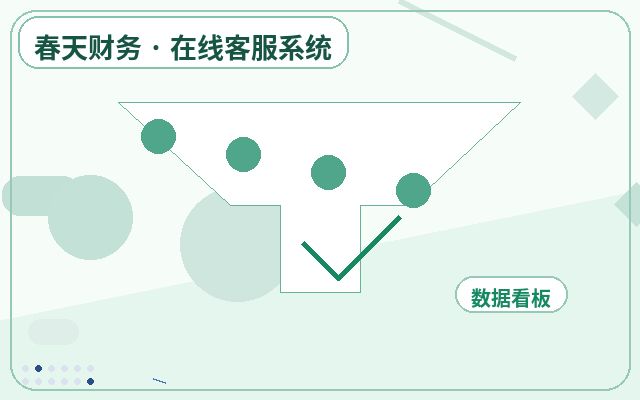
| Data Statistics | Analyzes auto-reply hit rates, transfer rates, etc. | Optimizing customer service strategies |
Which Issues Are Suitable for Human Customer Service
Based on real operational experience, the following types of issues are best handled by human agents:
- Complaints and After-Sales Disputes: Customers are emotional and need reassurance, empathy, and flexible solutions—tasks that smart auto-reply cannot handle.
- Personalized Customization Needs: Such as product customization, special discounts, or non-standard services, requiring human communication and authorization.
- Complex Technical Issues: Involving multi-system, multi-step troubleshooting that requires professional knowledge and judgment.
- Sensitive or Private Matters: Such as account security, refunds, or personal information changes, requiring identity verification and careful handling.
- High-Intent Conversion Leads: When visitors express strong purchase intent, human agents can actively guide and close deals.
Basic Process for Deploying Smart Auto-Reply
First, compile common visitor questions to form a knowledge base. Second, choose a customer service system that supports smart auto-reply, such as Spring Online Customer Service System, which offers AI auto-reception and lead capture, with notifications via WeChat upon successful capture. It's ideal for small to medium businesses to set up their own customer service system at a low cost, with a monthly fee of $25 and unlimited agent seats. Third, configure auto-reply rules and transfer conditions. Fourth, go live for testing and continuously optimize reply content.
Frequently Asked Questions
Will Smart Auto-Reply Miss Important Customers?
No. As long as transfer rules are set, such as when visitors type keywords like "human," "complaint," or "refund," the system will automatically transfer the conversation to a human agent, ensuring important issues are not missed.
How to Distribute Workload Between Human Agents and Smart Auto-Reply?
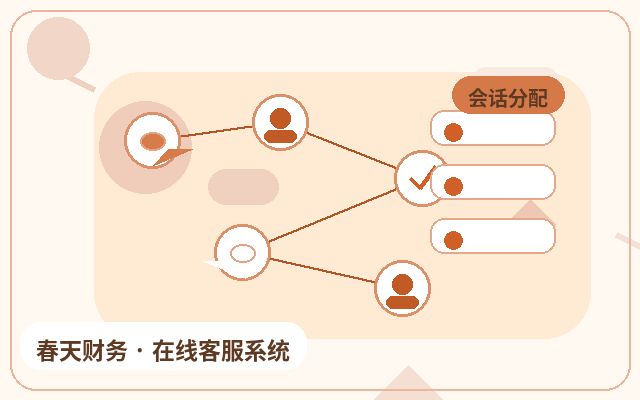
Typically, assign by issue type: common questions are handled by smart auto-reply, while complex issues, complaints, and personalized needs are handled by humans. Adjust dynamically based on agent availability—when agents are free, they can take on more questions.
How to Ensure the Quality of Smart Auto-Reply Responses?
Regularly update the knowledge base, optimize scripts based on visitor feedback and agent conversation logs. Periodically analyze auto-reply hit rates and transfer rates; if the transfer rate for a certain type of question is too high, it indicates the auto-reply is insufficient and needs adjustment.
Conclusion
Smart auto-reply and human customer service are not replacements but collaborators. A clear division of labor improves reception efficiency, reduces operational costs, and ensures customer experience. Businesses should identify which questions to assign to smart auto-reply and which to humans, based on their specific operations, and leverage mature customer service systems for seamless integration.